



증명서발급안내
-

- 주요서비스
- 증명서발급안내
출력증명서 안내
- 1단계
- 로그인후 상단메뉴에서 증명서 발급선택
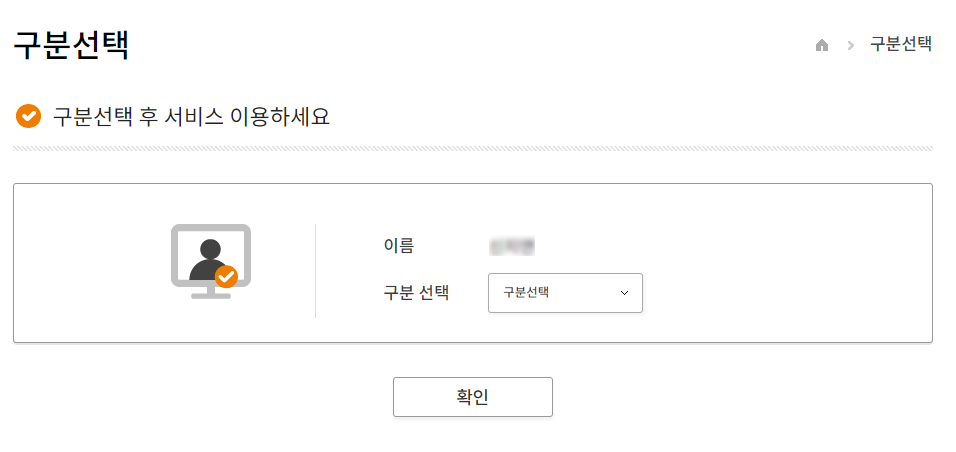
- 2단계
- 신상 정보 확인
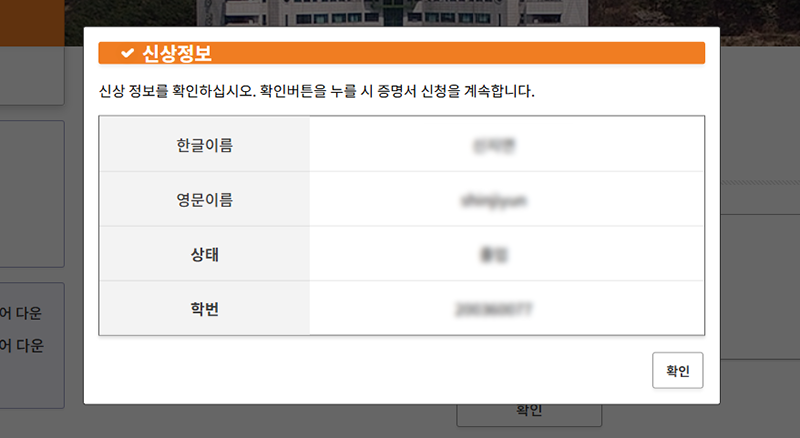 사용자에 대한 신상 정보창이 나타나며, 표시된 정보가 맞는지 확인하시고 [확인] 버튼을 누릅니다
- 3단계
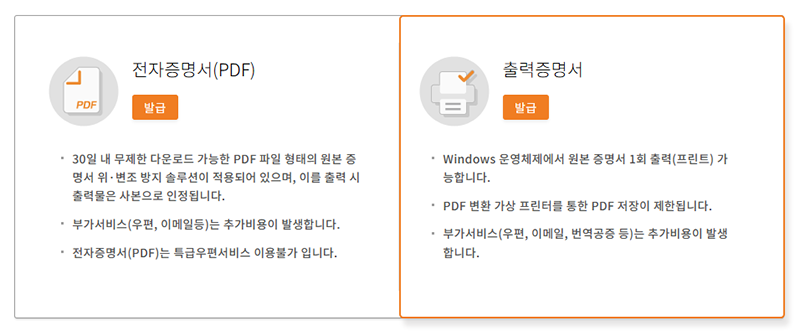
- 발급 종류 선택하기
- 4단계
- 발급 증명서 선택
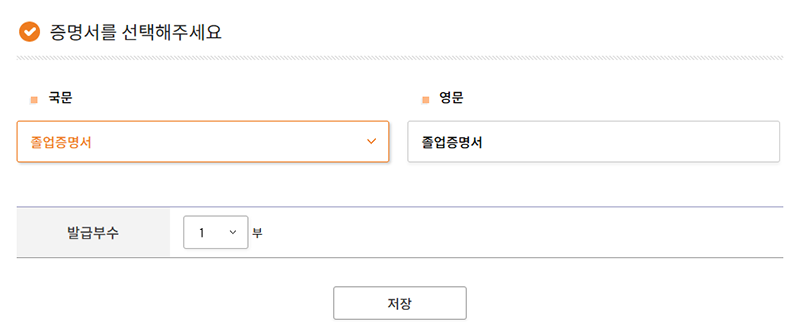
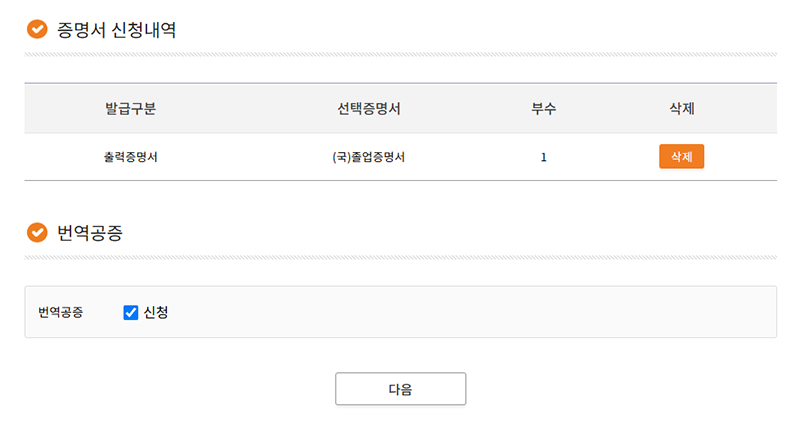
필요증명서 모두 선택 후 신청내역리스트에서 [다음] 버튼 클릭 하세요
- 5단계
- 번역 공증 (선택사항)
- 6단계
- 신청내역 및 결제
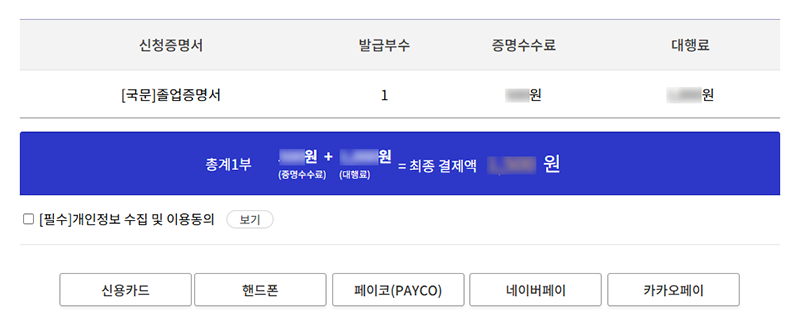
결제방법(신용카드, 핸드폰 등 )을 선택하여 결제완료 후 [증명서보관함]에서 발급된 증명서를 바로 출력가능합니다